BigCommerce FreshBooks Integration
Stop wasting time and resources on custom integrations. With HexaSync, you can instantly connect BigCommerce and FreshBooks through flexible, scalable workflows tailored to your unique business needs. Accelerate your operations with a powerful integration platform that adapts to your tech stack
AUTOMATE NOW

Common Data Flows For BigCommerce FreshBooks Integration
With HexaSync you can connect BigCommerce and FreshBooks in any workflow to save time and resources — no coding required. Try any of these templates in just a few clicks.
Stock Sync
Stock changes on FreshBooks will be detected by HexaSync and synced to BigCommerce
Customers Sync
New Customer Created on BigCommerce will be added automatically to FreshBooks
Customers Sync
New Customer Created on FreshBooks will be added automatically to BigCommerce
Shipping Address Sync
Customer Shipping Address will be synchronized from BigCommerce to FreshBooks
Shipping Address Sync
Customer Shipping Address will be synchronized from BigCommerce to FreshBooks
Order Status Sync
Order Status changes on FreshBooks will be updated to relevant order on BigCommerce
Automate your workflow with HexaSync Powers
Unlock automation for your business with HexaSync. Simplify complex workflows and enhance productivity with ease
Data Mismatch Report
Gain full visibility into data inconsistencies across systems with a real-time, tabular report. Instantly detect mismatched values, view timestamps, and identify exactly which fields are causing sync errors — all in one centralized dashboard. Say goodbye to manual checks and hidden data issues
Request a DemoDetail tracking Task
Monitor every task in real-time with detailed tracking features, giving you full visibility and control over your workflow processes
Scheduler
Automate task execution with HexaSync’s flexible scheduler. Set custom intervals, ensure timely operations, and maintain workflow efficiency with ease
Product Data Validation
Validate product information before it reaches your destination systems. Our platform provides field-level explanations tailored to each connector, and highlights valid vs. invalid entries within your sync tables. Ensure only qualified, compliant data flows through your pipeline — reducing rework and boosting reliability
Request a Demo
Discover BigCommerce & FreshBooks Connectors
Automate your business workflows with our powerful integration tools
BigCommerce ConnectorA cloud-based e-commerce platform providing businesses with tools to create and manage online stores
🔹 Explore more integration profiles to see how our BigCommerce Connector connects with other systems.
Explore more profilesFreshBooks ConnectorAn accounting software tailored for small businesses and freelancers, focusing on invoicing, expenses, and time tracking
🔹 Discover more integration profiles connected to FreshBooks
Explore more profilesFrequently Asked Question
How does BigCommerce integrate with FreshBooks?
HexaSync integrates BigCommerce with FreshBooks by leveraging public APIs. Through secure API connections, it enables seamless, two-way, real-time synchronization between the two platforms.
Can HexaSync handle large and complex data for BigCommerce FreshBooks integration?
Yes, HexaSync is designed to efficiently handle large, complex data sets during BigCommerce FreshBooks integrations. It supports high data volumes, multiple entities, and intricate workflows, ensuring seamless synchronization while maintaining data accuracy and consistency.
How can errors be effectively managed during the integration of BigCommerce with FreshBooks?
HexaSync provides real-time error detection and notifications to address integration issues promptly. Detailed error logs help users pinpoint the root cause and resolve problems efficiently. Additionally, automated retries and exception handling mechanisms maintain data integrity throughout the process.
Is HexaSync secure for integrating BigCommerce FreshBooks?
Yes, HexaSync prioritizes data security during integration. It uses advanced encryption protocols, secure API connections, and strict access controls to protect sensitive business information. Compliance with industry standards ensures that the integration process remains both safe and secure.
How to get started with BigCommerce FreshBooks integration in HexaSync?
Step 1: Sign up for HexaSync and create your account.Step 2: Authorize your BigCommerce and FreshBooks accounts through HexaSync.Step 3: Launch the integration and monitor the process using HexaSync’s reports for real-time updates and insights.For detailed customization, feel free to contact our support team.
How HexaSync Works
With 3 simple steps, HexaSync helps optimize your business operations.
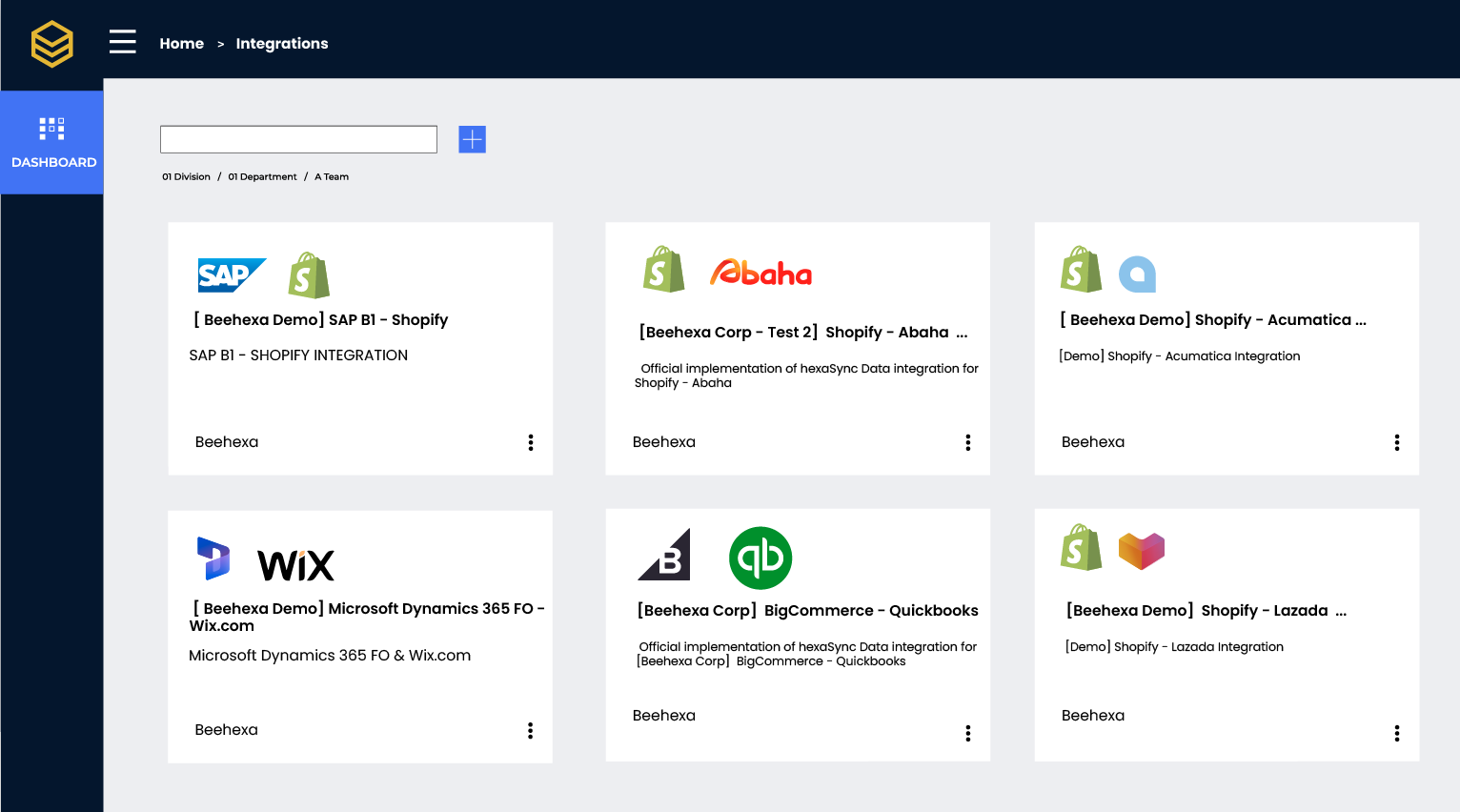
Select your Apps
Choose from a wide range of applications to integrate with HexaSync. Customize your workflow to suit your business needs effortlessly
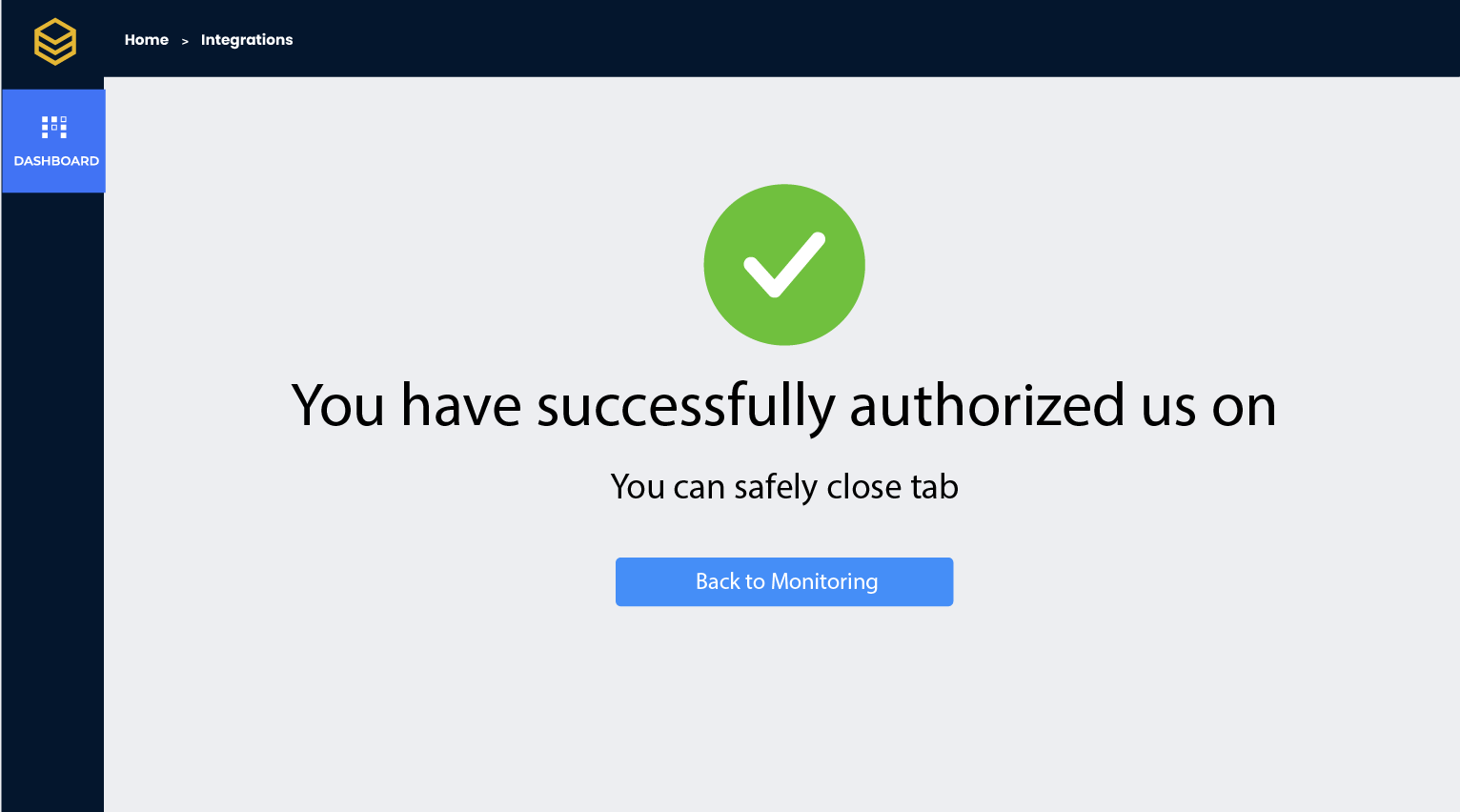
Authorize Your App
Securely connect and authorize your applications in just a few clicks. HexaSync ensures safe and reliable data synchronization
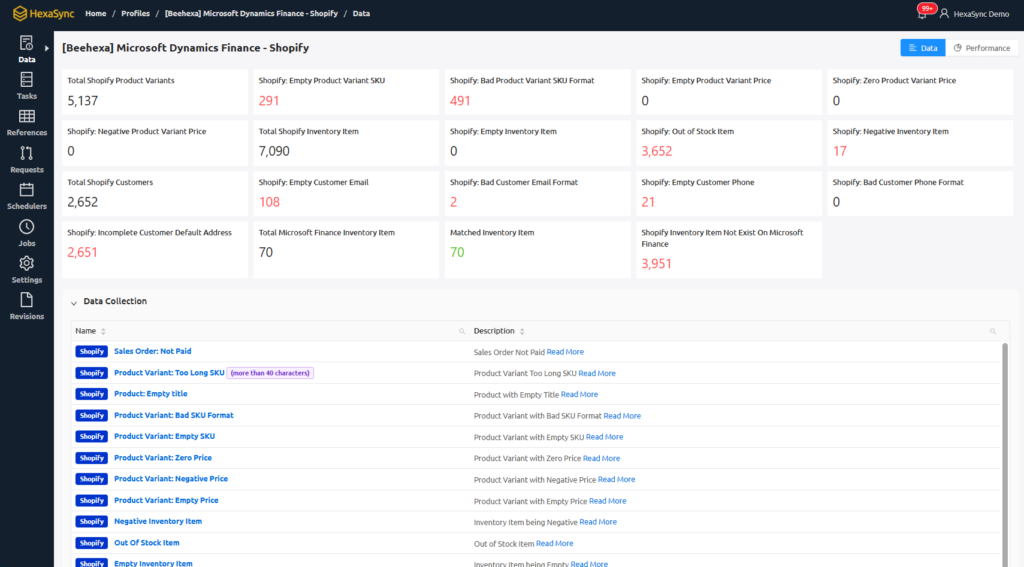
Monitor and Scale
Track your operations in real-time and scale your processes with confidence. HexaSync empowers you to grow without limits
We provide the best experience
for our client
- 88%
Beehexa Corp has demonstrated remarkable growth, achieving an 88% increase in revenue.
- +400
With a focus on eCommerce, ERP, and POS systems, we have successfully integrated more than 400 applications,
- +2M
Beehexa Corp has facilitated over 2 million transactions, showcasing our platform’s robustness and reliability.
Adaptable known, Customizable flow, Extensible grow
Start with HexaSync