
BigCommerce Magestore POS Integration
Stop building and maintaining custom integrations. HexaSync connects BigCommerce and Magestore POS through managed, scalable workflows that our team sets up around your business rules, so your data stays in sync without manual entry.
Automate nowBook a scoping call

Common Data Flows For BigCommerce Magestore POS Integration
These are the BigCommerce and Magestore POS data flows HexaSync runs. Our team sets up the ones you need, mapped to your fields and rules, with no coding on your side.
Inventory Sync
New Inventory Item on Magestore POS will be created on BigCommerce
Stock Sync
Stock changes on Magestore POS will be detected by HexaSync and synced to BigCommerce
Customers Sync
New Customer Created on BigCommerce will be added automatically to Magestore POS
Customers Sync
New Customer Created on Magestore POS will be added automatically to BigCommerce
Shipping Address Sync
Customer Shipping Address will be synchronized from BigCommerce to Magestore POS
Orders Sync
New Order on BigCommerce will be automatically added to Magestore POS
Order Status Sync
Order Status changes on Magestore POS will be updated to relevant order on BigCommerce
Automate your workflow with HexaSync Powers
Unlock automation for your business with HexaSync. Simplify complex workflows and enhance productivity with ease
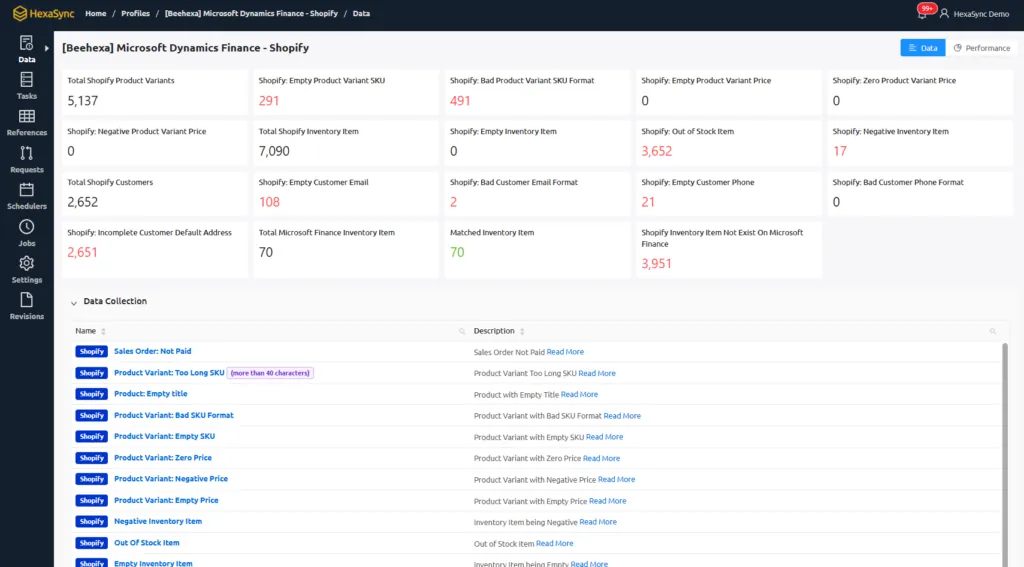
Data Mismatch Report
Gain full visibility into data inconsistencies across systems with a real-time, tabular report. Instantly detect mismatched values, view timestamps, and identify exactly which fields are causing sync errors — all in one centralized dashboard. Say goodbye to manual checks and hidden data issues
Book a scoping callDetail tracking Task
Monitor every task in real-time with detailed tracking features, giving you full visibility and control over your workflow processes
Scheduler
Automate task execution with HexaSync’s flexible scheduler. Set custom intervals, ensure timely operations, and maintain workflow efficiency with ease
Product Data Validation
Validate product information before it reaches your destination systems. Our platform provides field-level explanations tailored to each connector, and highlights valid vs. invalid entries within your sync tables. Ensure only qualified, compliant data flows through your pipeline — reducing rework and boosting reliability
Book a scoping call
Discover BigCommerce & Magestore POS Connectors
Automate your business workflows with our powerful integration tools
BigCommerce ConnectorA cloud-based e-commerce platform providing businesses with tools to create and manage online stores
🔹 Explore more integration apps to see how our BigCommerce Connector connects with other systems.
Explore more profilesMagestore POS ConnectorA point-of-sale solution for Magento, providing seamless integration between online and offline retail operations
🔹 Discover more integration apps connected to Magestore POS
Explore more profilesWhat our customers say
Rated 4.5 out of 5 from 17 reviews on Trustpilot
- ★★★★★
“I've been in the ecommerce field for 15+ years and I've never worked with an agency like Beehexa. … They got the entire ERP project done on time and with highest quality possible.”
MurrayUS · May 2024 · Read on Trustpilot
- ★★★★★
“works perfect for our webshop. the best solution we could find, after testing multiple solutions for our webshop connection”
Mark SpijkersNL · Feb 2021 · Read on Trustpilot
- ★★★★★
“I have worked with BeeHexa for 5 years and the experience has been great. Their team is responsive and creative. Their integration solution has been able to help me solve several custom workflow scenarios with my clients.”
David EdmonsonCEO & Founder, VariuxUS · Feb 2021 · Read on Trustpilot
Frequently Asked Question
How does BigCommerce integrate with Magestore POS?
HexaSync integrates BigCommerce with Magestore POS by leveraging public APIs. Through secure API connections, it enables seamless, two-way, real-time synchronization between the two platforms.
Can HexaSync handle large and complex data for BigCommerce Magestore POS integration?
Yes, HexaSync is designed to efficiently handle large, complex data sets during BigCommerce Magestore POS integrations. It supports high data volumes, multiple entities, and intricate workflows, ensuring seamless synchronization while maintaining data accuracy and consistency.
How can errors be effectively managed during the integration of BigCommerce with Magestore POS?
HexaSync provides real-time error detection and notifications to address integration issues promptly. Detailed error logs help users pinpoint the root cause and resolve problems efficiently. Additionally, automated retries and exception handling mechanisms maintain data integrity throughout the process.
Is HexaSync secure for integrating BigCommerce Magestore POS?
Yes, HexaSync prioritizes data security during integration. It uses advanced encryption protocols, secure API connections, and strict access controls to protect sensitive business information. Compliance with industry standards ensures that the integration process remains both safe and secure.
How to get started with BigCommerce Magestore POS integration in HexaSync?
Step 1: Book a scoping call. We review your BigCommerce and Magestore POS setup, the data that has to sync and your business rules, then send a quote: a one-time deployment fee plus an annual subscription (see HexaSync Pricing). Step 2: Create your free Beehexa account and authorize your BigCommerce and Magestore POS accounts in HexaSync. Step 3: Our team configures and tests the integration with you, then launches it; you monitor every sync in HexaSync’s real-time reports.
How HexaSync Works
From scoping call to live sync in three steps.
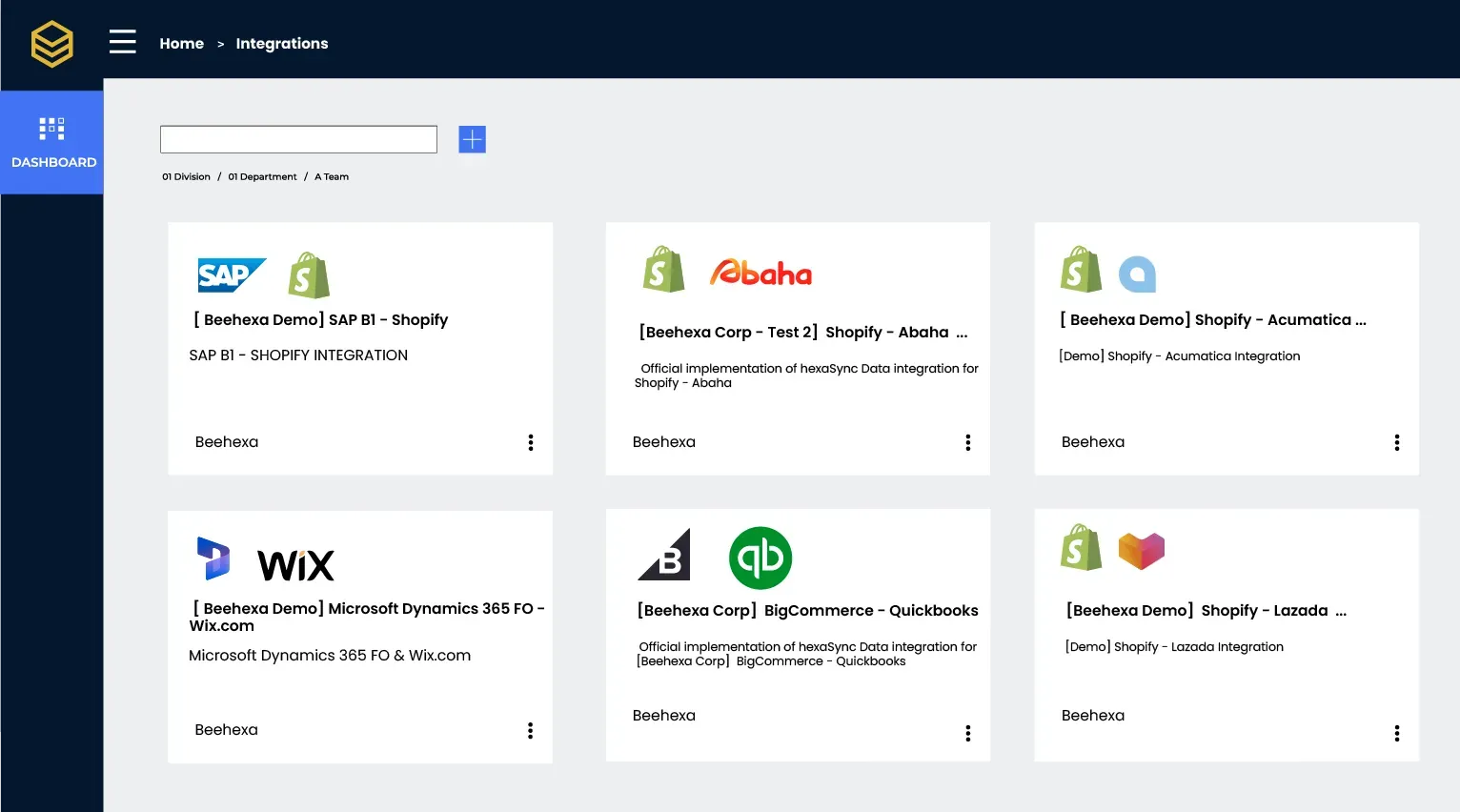
Select your Apps
Choose from a wide range of applications to integrate with HexaSync. Customize your workflow to suit your business needs effortlessly
Authorize Your App
Securely authorize your applications through their APIs. HexaSync keeps the data synchronization between them safe and reliable

Monitor and Scale
Track your operations in real-time and scale your processes with confidence. HexaSync empowers you to grow without limits
Step-by-step: how to connect BigCommerce to HexaSync.
We provide the best experience
for our client
- 50+
Available HexaSync Integration Apps
- 100M+
Data Transactions
- 30+
Enthusiastic Members
- 60+
App Marketplaces
- 3
Continents
Adapt to what you know, customize every flow, extend as you grow. Start with HexaSync